

Branding

Door Sign
Two options here black print for whate background, and white for coloured such as the grey door displayed. You can have these done by Vista by inserting the PNG file into a template and adjusting as required.
This is a mock display of how you might use your imaging files (Vector PNG Transparencies) for either inserting into vista templates and having peel off decals printed for your signs or printing from your printer, such as the A3 options. NOTE: Vectors or PNG TRANSPARENCIES can be manipulated when adjusting to a template say in Vista. The are called "wire frames" IMPORTANT. When your viewing any of the files marked white, remember you probably wont see anything unless it has a darker background.

External Signage
These files can be adjusted by using a custom template in Vista an printed as a decal peel back but you will need to arrange for a flat service backing board painted and ready to place your decal.

Business Noticeboard
Use the appropriate file marked WHITE regarding this display again this can be adjusted or manipulated to suit the size you want.
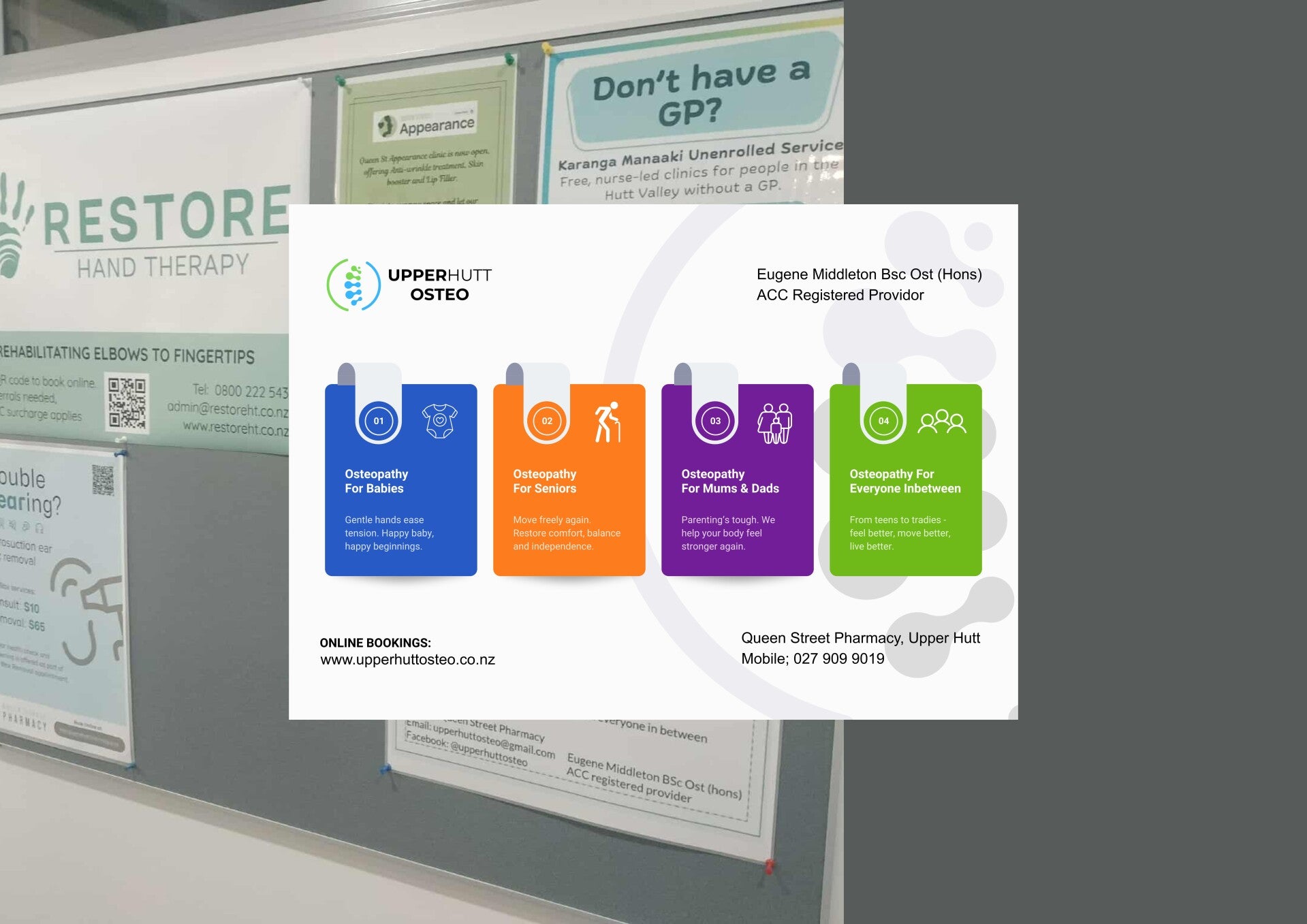
A3 Notice - Colour & BW option
You have X2 design options. The layouts and content are exactly the same. One colour the other B&W.